ReportsAnswers From Your Own Data, Without a Database Expert The Reports module lets you build your own reports against almost anything the platform stores - contacts, members, donations, event registrations, orders, documents, and more. You pick a starting template, choose the columns you want, add the filters that narrow it down, and run it. Reports are saved, so the question you asked this month is one click away next month, and each one is scoped to the sites you have access to. 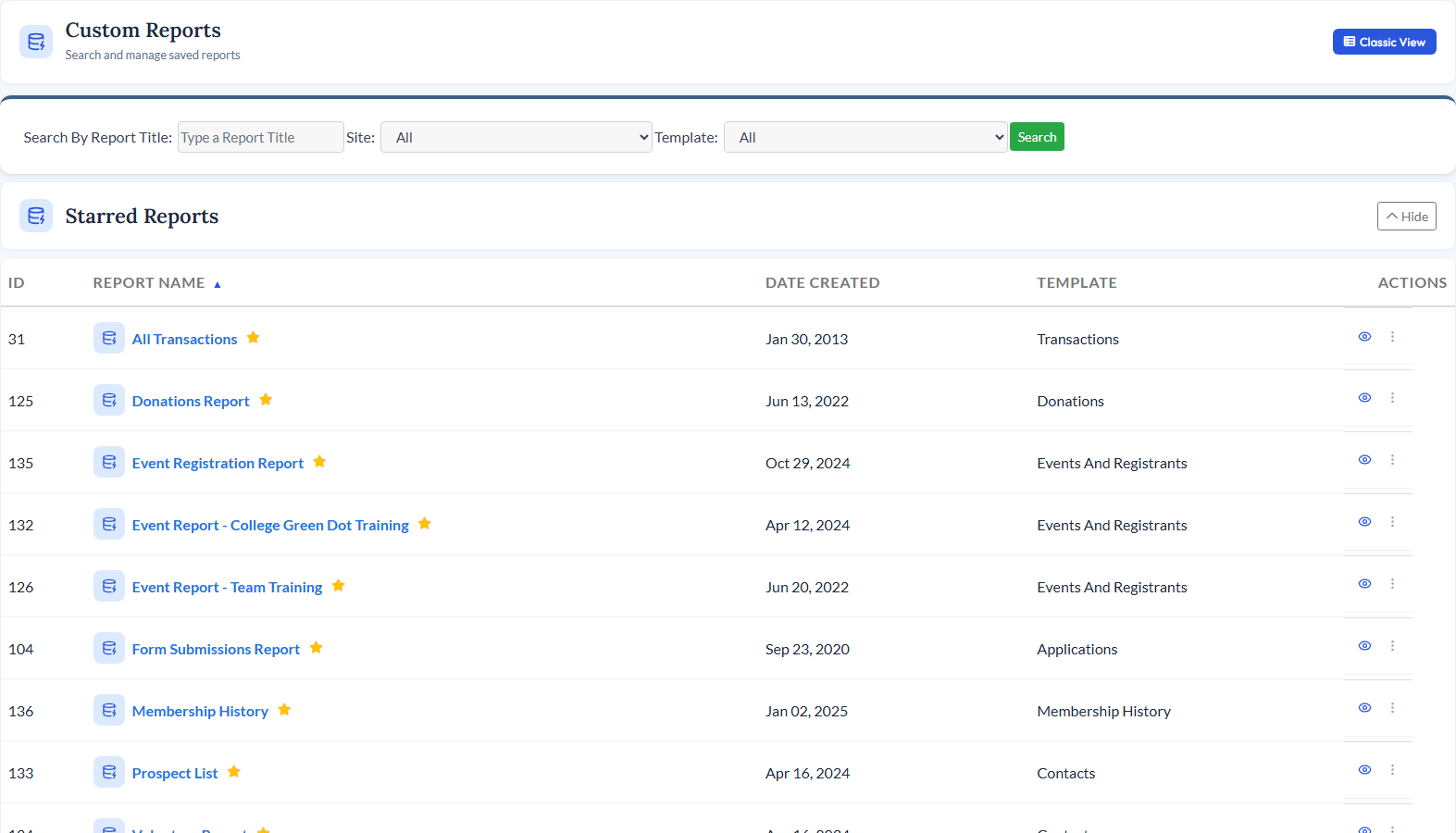
What You Can DoBuild a Report in Four StepsChoose your sites and a starting template, tick the fields you want, drag them into the order you want, then stack filters with AND and OR grouping until you have exactly the records you mean. No SQL, and nothing to install. Templates Across the Whole PlatformStart from ready-made templates for contacts, organizations, households, groups, membership and membership history, events and registrants, attendance, donations and funds, documents, store orders, transactions, time tracking, continuing education, and form submissions. Your custom fields come along too. Export to Excel or Print Mailing LabelsSend results straight to a spreadsheet, or generate a print-ready PDF of Avery mailing labels in the size you use - 5160, 5163, and the rest of the common sheets. Act on the ResultsBuild an email list from a report - either one that keeps itself in sync as the report changes, or a one-time list you can edit by hand. You can also log an activity against everyone in the report, star the ones you live in, pin one as your default, or email a colleague a link to it at a set date and time. Ask Questions About What You Get BackQuick Stats sits at the top of every report and groups your results to count, sum, or average them on the spot. With AI turned on, AI Analyze lets you ask those same results a question in plain English and get an answer back without rebuilding anything. See How Your Site Gets UsedUsage reports come built in: page views and document views by site over any date range, member logins, password requests, what visitors typed into search, and which of your own reports actually get run. Works Great WithSee Reports in ActionSchedule a personalized demo and see how CitySoft answers the questions you keep asking your data. Request a Demo |